 PolyField
PolyField App
The App
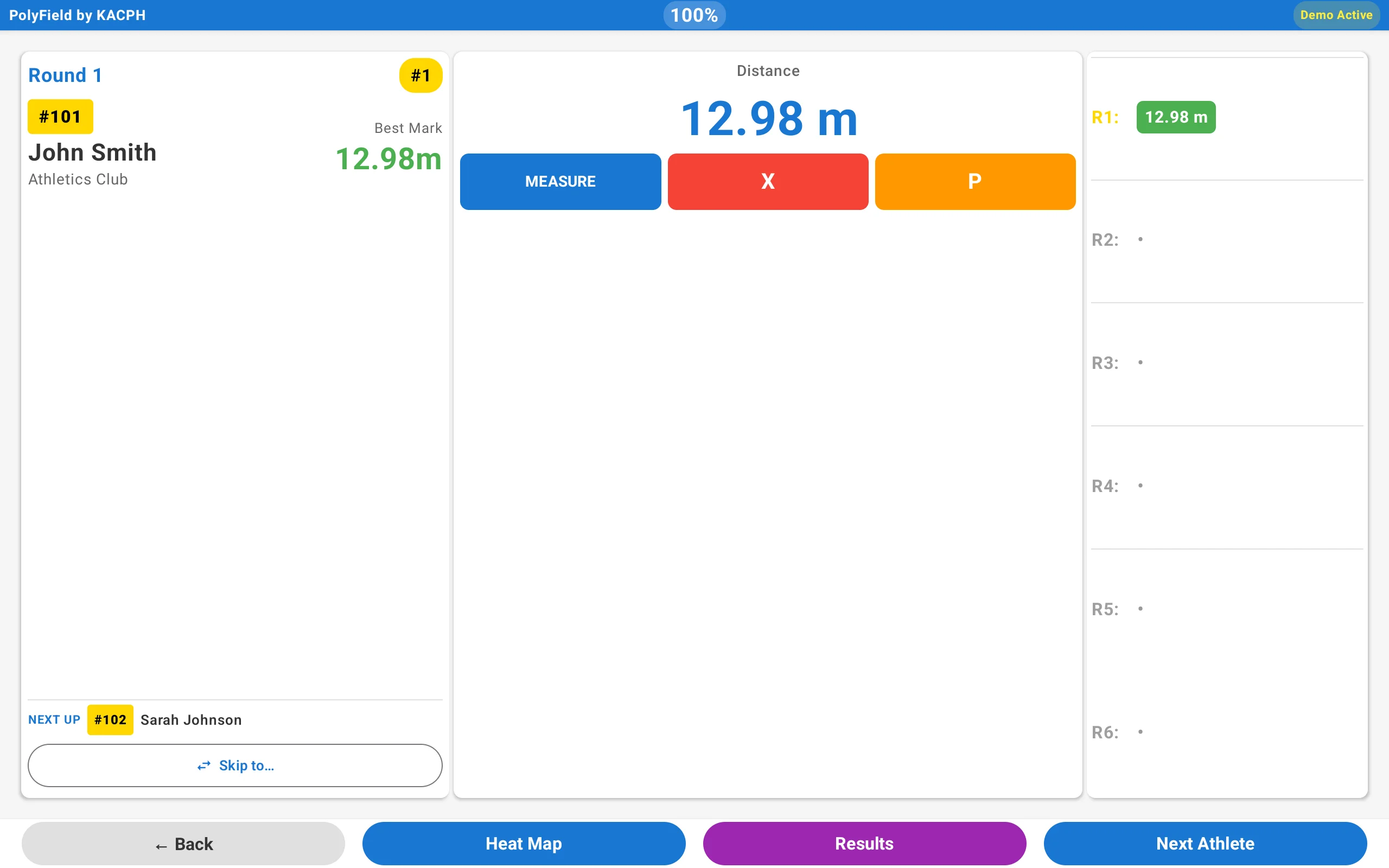
A simple app that works with any provider, designed with accessibility in mind. It supports officials, lowers the barriers to technology, and improves the experience for athletes, spectators and officials.
Calibration made clear
Demystifying EDM calibration
A key principle of PolyField is making Electronic Distance Measurement (EDM) calibration easy to understand. For both throws and horizontal jumps, a wizard walks you through every step.
1-2-3 throws calibration
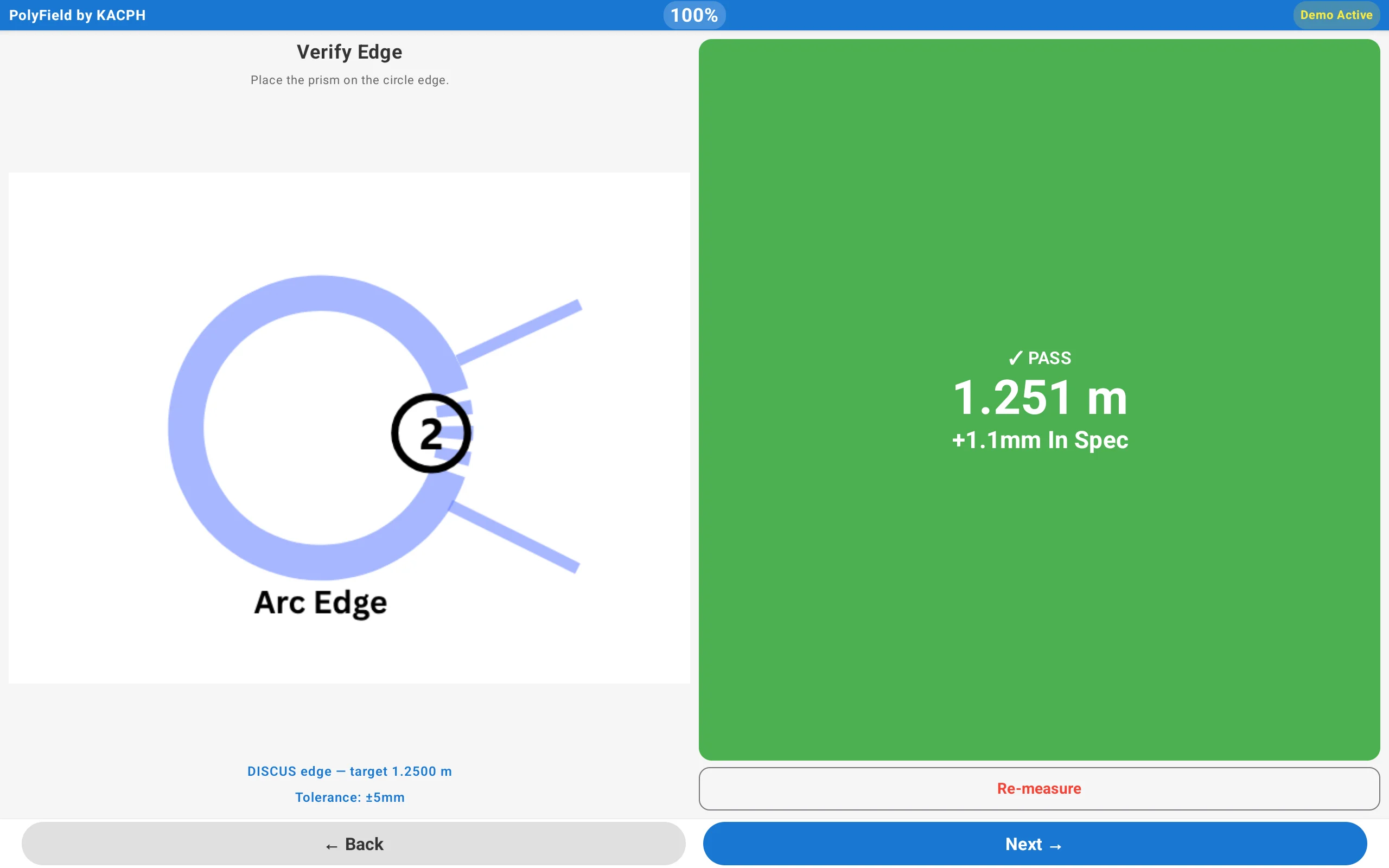
Our 3-step throws calibration wizard lets anyone, whatever their experience, calibrate an EDM to World Athletics tolerances.
- Set the centre of the circle.
- Verify the edge of the circle.
- Set the sector line, which orients every throw for the heat map.
Clear feedback shows the calibrated status, so you can be confident in your setup. You'll see PASS or FAIL, with exact measurements and guidance on getting closer to perfect.
1-2 jumps calibration
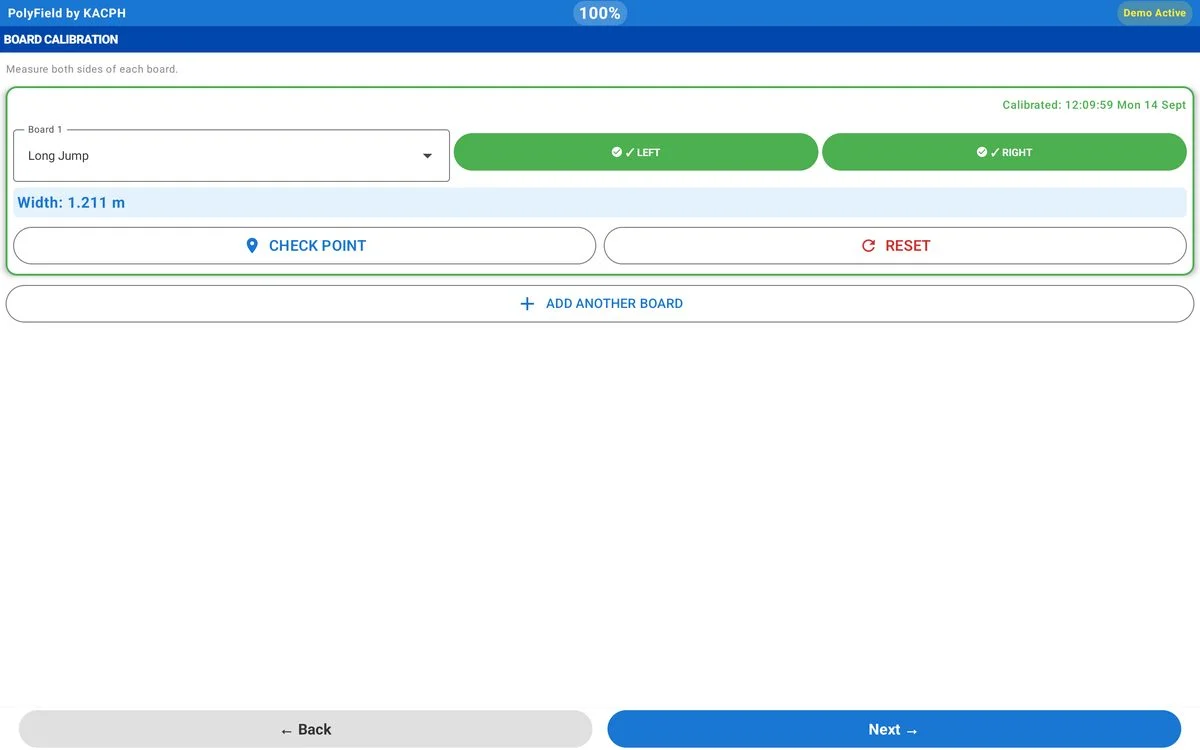
Our 2-step jumps calibration wizard guides you through the process:
- Measure the left side of the board.
- Measure the right side of the board.
For triple jump, add more boards and repeat the same two steps. Every board is calibrated before the competition, so you can measure from any of them with no mental maths. You can measure an optional check mark on each board for extra assurance, and the board width is always displayed.
Every field event covered
-
Throws
Measure throws with an EDM, plot them on our heat maps and generate statistics for the event. All throws events are supported, including seated throws.
-
Horizontal jumps
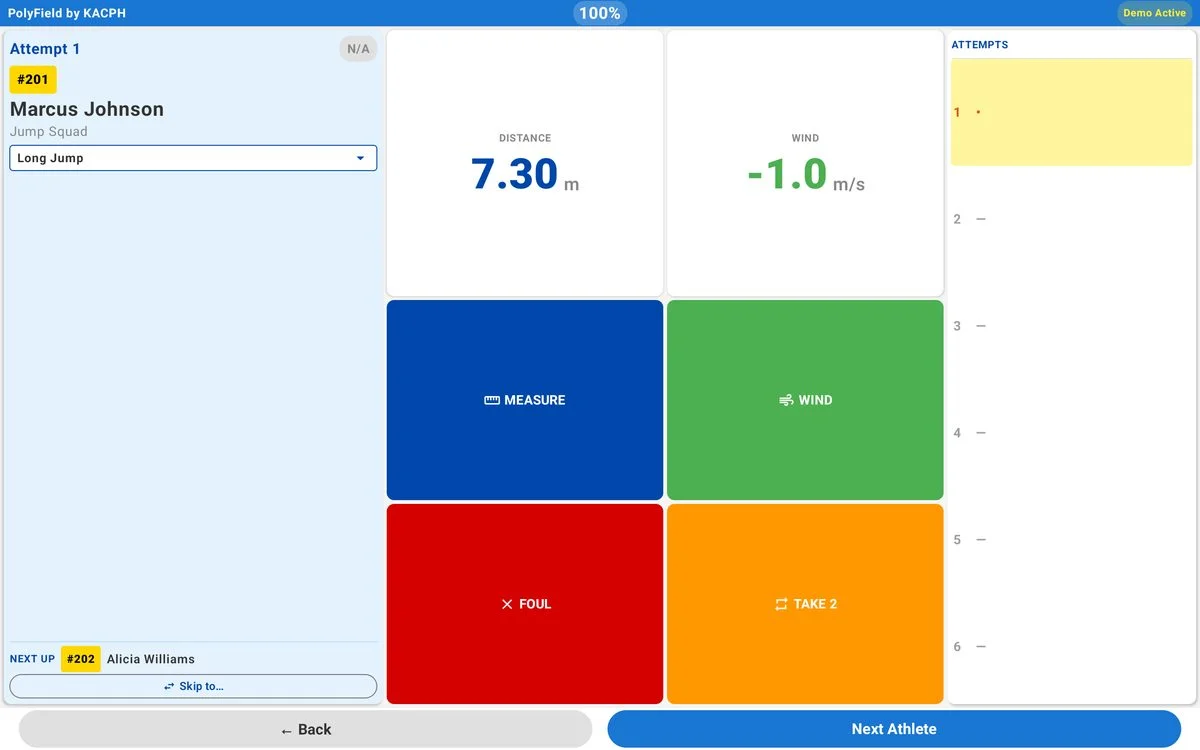
Measure long and triple jump with or without an EDM. Electronic wind gauges capture and record the wind, freeing up an official.
-
Vertical jumps
A no-frills, accessible input for your favourite competition management provider, so officials don't have to learn different systems.
-
Athlete progression: the cut
Manage progression to rounds 4, 5 and 6 in throws and jumps. The official is always in control and can override it. Cuts can vary by age group, so combined championships can run in one competition.
-
Multiple-event calibration
Calibrate several events and pick the right one for each. Javelin next to a discus and hammer circle? Calibrate all three up front.
-
Voice read-out
Clear colours, large text and an optional voice read-out that speaks each result: bib, name, round and distance.
Which tablet?
Any Android tablet works. For officials, we recommend an 8-inch screen: big enough to read at a glance, small enough to hold all day.
For UK weather we like rugged tablets such as the Oukitel RT3 Pro and Ulefone Armor Pad Pro: weatherproof, long battery life and bright enough for outdoors. We're not affiliated with either.
EDMs with PolyField built in, like the PolyField Apeks AM02i, have their own screen, so you don't need a tablet at all.
Stand-alone mode
Measuring per athlete needs PolyField Server. Without it, you can still use PolyField as a better interface for your EDM.
- The 1-2-3 calibration wizard
- A clear display of the measured distance
- A local heat map and statistics
New to PolyField? Use Demo Mode to practise with simulated measurements, with no EDM needed. The App tutorials walk through each step.
Join the athletics tech revolution
Ready to stay ahead of your competition? Download the free App and get started.